
Aim, Match, and Clear
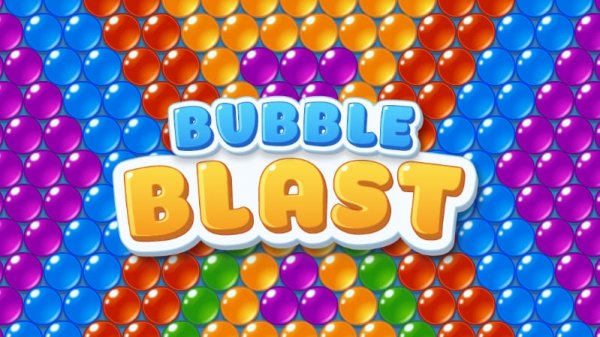
Bubble Pop Puzzle Arcade follows the classic bubble shooter formula: a launcher sits at the bottom of the screen, and a cluster of colored bubbles hangs above. You see the color loaded in your blaster, aim at a group of the same color, and tap to fire. Matching three or more bubbles of that color pops them and removes them from the board. If the loaded color does not fit the current layout, you can switch to a different bubble instead of wasting the shot. The objective on every level is to clear all bubbles before your moves run out.
Level Layouts and Progression
Each stage presents a new arrangement, so the puzzle shifts as you advance through dozens of levels. Early boards tend to be straightforward, while later ones demand more careful planning about where each shot lands and which colors to prioritize. Coins are earned by completing levels and posting high scores, and those coins can be spent on accuracy upgrades or extra boosters. Magical petals are collected as you progress, and gathering them unlocks a secret garden, adding a discovery layer on top of the core matching loop.
Boosters and Strategic Choices
Boosters like bombs and fireballs let you clear large areas or break through obstacles when the board gets crowded. Up to three boosters can be equipped at once, so you choose which tools to bring into a level. The real strategy comes from deciding when to spend a booster versus when to rely on careful aiming. Clearing bubbles near the top matters because it keeps the cluster from dropping too low, which can end a run quickly.
Session Length and Availability
Levels are short by design, fitting into breaks or commutes. Daily rewards give returning players a reason to check in and build up resources over time. The game can be played offline or online, so a connection is not required for every session. Colorful visuals and the pop of matched bubbles give each round a satisfying rhythm without demanding a long commitment.







Comments
0 comments