
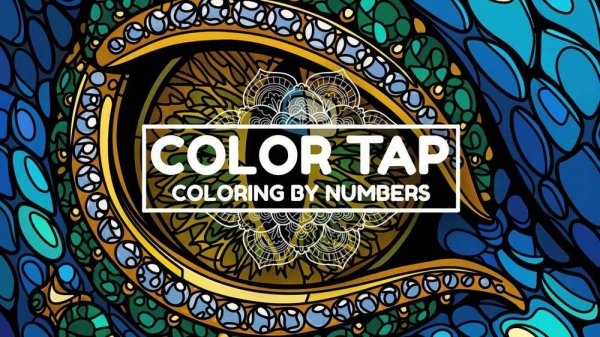
Core Tapping Mechanic
Color Tap centers on a simple interaction: select a color from the on-screen palette, then tap a numbered area of the picture to fill it. Each tap completes one section. The game offers two ways to play: follow the numbered guides for a structured result, or ignore them and choose your own colors for a personal variation. There is no timer, no score, and no fail state. The only feedback is the visual completion of the image, which fills in gradually as you work.
Zoom and Precision
Detailed pictures contain small regions that are hard to tap accurately at default zoom. The game includes a zoom feature that lets you magnify any part of the image, making it easier to color tight spaces without accidentally filling the wrong area. Zooming in and out is part of the normal workflow, not an advanced option. For players who want clean edges, using zoom on small sections is the most practical approach.
Relaxation and Creative Freedom
The game is designed for stress reduction. There are no penalties, no time limits, and no competitive elements. Players can work at any pace. The creative aspect comes from the choice between following the numbered color guides or experimenting with different combinations. Because the game does not enforce a correct palette, each finished picture can look different depending on the player's choices. This makes the game suitable for repeat play on the same image.
Audience and Accessibility
Color Tap is family-friendly and intended for all ages and skill levels. The controls are limited to mouse selection and tapping, with zoom as the only additional input. No prior gaming experience is required. The game appeals to players looking for a low-pressure activity rather than a challenge. Those who prefer puzzles with clear win conditions or increasing difficulty may find the lack of progression structure less engaging.







Comments
0 comments