
What You Actually Do
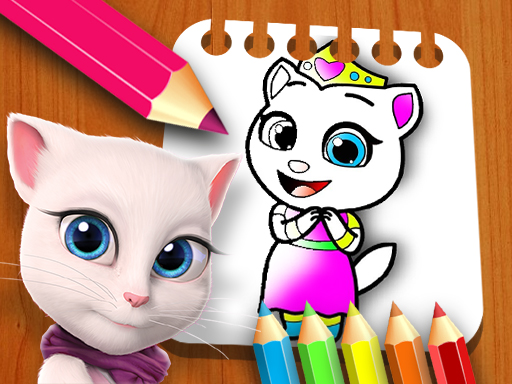
Angela Creative Coloring Book is a digital coloring activity built around hand-drawn pictures of Angela and other characters. The core loop is straightforward: pick an image, choose colors from the on-screen palette, and click or tap the areas you want to fill. There are no timers, no scores, and no failure states. The entire experience is about applying color to line art at whatever pace feels comfortable. Because the interface relies on clicking or tapping, it works on both desktop and touchscreen devices without requiring complex inputs.
Tools That Shape the Experience
The coloring tools are deliberately simple. A color palette sits on the side of the screen, and you can adjust the brush size to either cover large sections quickly or work with finer precision on smaller details. An undo option lets you reverse a fill if the result does not match what you had in mind. These three elements—palette, brush size, and undo—form the entire toolset, which keeps the game accessible to young players who may not be comfortable with layered menus or advanced settings.
Who It Is Designed For
This game targets children and families looking for a safe, creative activity. The hand-drawn art style gives each picture a personal, original feel rather than the polished but generic look of mass-produced clip art. Parents can feel comfortable with the content since there are no inappropriate themes. Adults who enjoy coloring as a relaxation exercise will also find the lack of time pressure and the simple controls easy to settle into. The game supports both solo coloring sessions and shared family time, and finished pictures can be saved or shared with friends and family.
How to Get the Most From It
Starting with simpler pictures helps you get a feel for how the brush size interacts with different areas. Experimenting with color combinations is part of the appeal—there is no penalty for trying something unusual. Because the undo option is always available, mistakes are easy to correct without frustration. The absence of time limits means you can leave a picture partially finished and return to it later. Sharing completed artwork with family or friends can serve as encouragement, especially for younger players who may want feedback on their color choices.




Comments
0 comments