
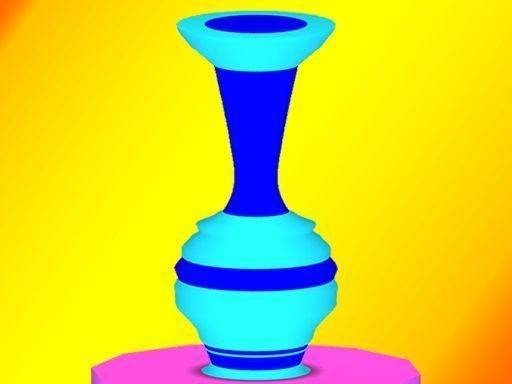
Shaping Clay with Simple Gestures
Ceramic Art 3D Studio begins with a lump of digital clay and a target design. You push, pull, and smooth the material using touch or mouse gestures. The 3D view lets you rotate the piece at any angle, so you can check every curve and indentation against your goal. There are no timers or scores—only the act of creation. This makes the game easy to pick up, yet it offers enough depth for players who enjoy careful handiwork.
Visual Feedback and Realistic Feel
The clay reacts to your gestures with lifelike texture and shading. Subtle indentations and smooth curves appear as you work, giving you a clear sense of progress without relying on numbers or meters. The interface stays clean and uncluttered, keeping distractions minimal. Whether you are shaping a simple bowl or a more intricate vase, the visual quality reinforces each small accomplishment.
Gradual Skill Building
New shapes and techniques appear as you advance, but the learning curve stays gentle. Early projects focus on basic forms like cups or plates, while later challenges introduce more complex contours and symmetrical designs. A built-in hint system offers quiet suggestions when you feel stuck, without breaking your concentration. Each completed piece feels rewarding, and the variety of targets keeps the experience fresh over time.
Creative Freedom Without Pressure
There is no rush to finish, no leaderboard to climb, and no penalties for mistakes. You can experiment freely, add or remove clay as needed, and even restart a piece to try a different approach. This freedom makes the game suitable for children exploring creativity and for adults seeking a relaxing pastime. The focus remains on the joy of making something with your own hands, even in a digital space.







Comments
0 comments