
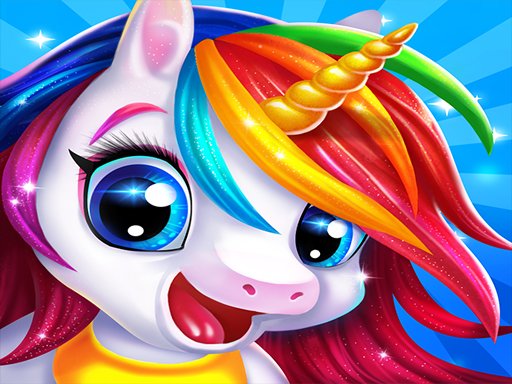
Styling Unicorn Models
Players begin by choosing a unicorn model, then browse categories of tops, skirts, shoes, and accessories. Tapping any item applies it instantly, and color buttons let players adjust the shade of each piece. The goal is to mix and match until an outfit feels complete, then save the design to a gallery. [IMG_1]
Creative Tools and Themed Extras
The game includes a rainbow color picker for customizing every clothing item, plus unicorn-specific accessories such as glittering horns, fluffy wings, and magical shoes. These extras let players push outfits beyond standard fashion combinations. Because every piece can be recolored, the same item can look different across multiple designs. [IMG_2]
Kid-Friendly Controls and Design
Navigation relies on simple taps and swipes, so young children can play without reading-heavy menus or complex steps. The interface is built for independent use, and the content stays within a positive, age-appropriate space. Regular updates introduce new clothes and themes, giving returning players fresh items to work with. [IMG_3]
Saving and Sharing Outfits
Finished designs can be saved to a personal fashion gallery and shared with family or friends. This turns each session into a small portfolio of looks, which can help kids track their own color and pattern choices over time. Sharing also opens the door to comparing ideas with others rather than playing in isolation.




Comments
0 comments