
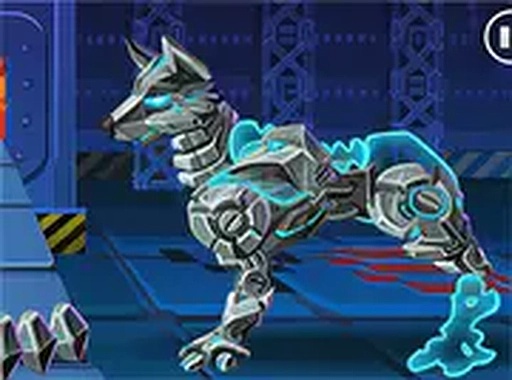
Assembling Your Robotic Companion
Creative Canine Constructor centers on building a robot dog from interchangeable parts. Players select and attach protective panels and functional upgrades, making decisions that shape how the finished dog performs. The assembly phase rewards planning: each part choice affects balance and capability, so the goal is a well-rounded build rather than a random collection of components. The interface uses mouse or touch controls to pick up and place parts, keeping the process accessible for younger players and anyone new to building games.
Training Trials and Skill Tests
Once assembled, the robot dog enters a training arena where three challenge types appear: dodging moving obstacles, leaping over low walls, and striking designated targets. These trials test timing and coordination rather than combat. Players steer the dog with simple on-screen controls, and the safe, non-threatening setting means mistakes lead to practice rather than punishment. Because different part configurations change movement and performance, the arena doubles as a testing ground for build decisions made earlier.
Customization After Completion
After finishing the trials, players can apply a range of color schemes and surface textures to their robot dog. This cosmetic layer ensures each creation looks distinct even when two players choose similar functional parts. The customization step also gives younger players a low-pressure creative outlet after the more focused training segments.
Who This Game Suits
Creative Canine Constructor blends logical problem-solving with motor-skill practice and artistic expression. The absence of violent content and the straightforward controls make it appropriate for children, while the part-configuration system offers enough depth to interest players who enjoy tinkering with mechanical designs. Families looking for a cooperative or side-by-side activity will find the game's structure easy to share.








Comments
0 comments