
A Simple Coloring Experience
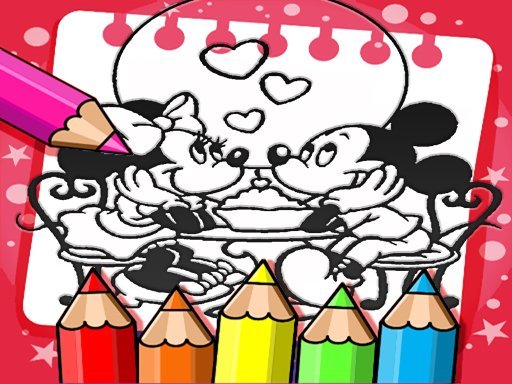
Mickey Mouse Creative Coloring presents a set of images featuring the well-known cartoon character. Each picture is divided into fillable regions. The player's task is to select colors from an on-screen palette and apply them to those regions. There are no timers, scores, or fail states. The activity is built around the act of coloring itself, not around competition or progression. This makes it accessible to anyone who wants a quiet, low-pressure creative task. [IMG_1]
Controls and Interaction
Interaction is limited to two actions: picking a color and clicking or tapping a region. A mouse works on desktop, and a touchscreen works on mobile or tablet. The chosen color fills the area immediately. If a color choice seems wrong, an undo button reverses the last action. This lets players experiment without commitment. The palette remains visible, so switching colors takes one click. No menus, tutorials, or setup steps stand between the player and the first image. [IMG_2]
Saving and Sharing Artwork
When a picture is complete, a save option stores the finished image on the device. That file can be kept for later or shared with others. Because the game runs entirely in a web browser, no installation is needed, and progress does not depend on an account or login. This structure suits short sessions during a break as well as longer, unhurried coloring. The combination of undo and save means mistakes are never permanent and completed work is not lost. [IMG_3]








Comments
0 comments