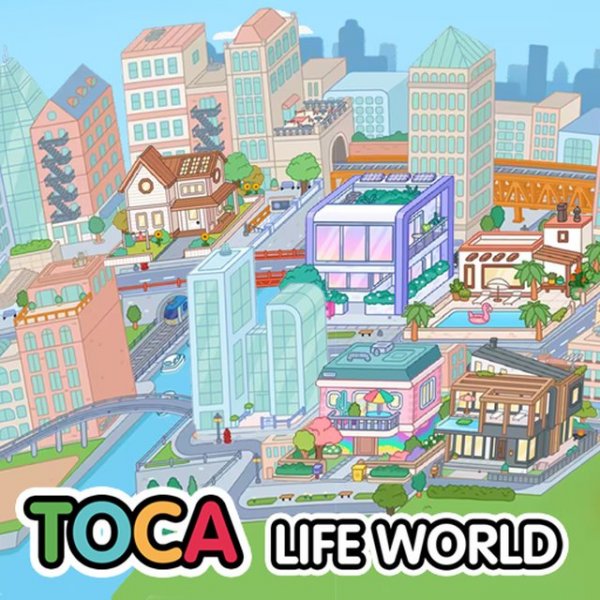
Toca Town Creator Simulation

Toca Town Creator Simulation

simulation creativity building
Developer: Wire Nova Digital
Published: 2025-04-17
Updated: 2026-07-17

Player voices

Toca Town Creator Simulation offers a wonderful outlet for creative expression. The simple drag-and-drop building tools make it easy for young children to design homes, while the variety of furniture styles keeps the experience fresh. The lack of ads and in-app purchases ensures a safe, uninterrupted playtime. The colorful art style and full screen support enhance the immersive feel. It is a great choice for families looking for a constructive and engaging digital activity.

About

Game Introduction

Toca Town Creator Simulation invites players to design and populate their own vibrant community. The game starts with an open area where players can select from a variety of house styles to build. Each home can be furnished with cozy items like beds, cabinets, and chairs to create a welcoming environment. The focus is on creativity and imagination, allowing players to arrange rooms and choose villagers who bring the town to life. With simple controls and cheerful graphics, this simulation provides a safe digital space for children and families to explore. It supports full screen mode and works on computers, tablets, and phones, making it easy to enjoy anywhere.

How to Play

Players begin by looking at empty plots in the town. They can tap a plus sign on each plot to select a house from the available options. After placing houses, the next step is decorating. Enter a house and use the creator menu to choose furniture. Icons at the top let players switch between room sections, like the bedroom. Click on furniture items to see a selection of styles, then choose a favorite and place it in the room. Repeat for other items to furnish each room completely. Finally, pick villagers to move into their new home.

Game Features

This simulation offers a family-friendly environment with no ads or in-app purchases. Creative building tools let players design unique homes and neighborhoods. Easy controls make it suitable for young children. Full screen support provides an immersive play experience. The game is compatible across PC, mobile phones, and tablets. Vibrant, colorful graphics appeal to all ages.

Tips for Success

Take time to explore different house styles and furniture options to create spaces you love. Experiment with room layouts by trying different furniture combinations. Ensure each home has essential items like beds and chairs for your villagers. Use full screen mode for a more immersive experience. Share your creations with family members to inspire new ideas. Most importantly, have fun and let your imagination guide your town design.

Compatibility

Play on Any Device | Chrome / Safari / Edge Recommended
FAQ
Can I play Toca Town Creator Simulation offline?
Yes, once downloaded, the game can be played without an internet connection. All features are available offline, making it convenient for travel or areas with limited connectivity.
Is there a limit to how many houses I can build?
The game includes a set number of plots available for building. Players can fill all available plots with houses, but the exact number depends on the version. Generally, there are enough spaces to create a small neighborhood.
Are there different themes for furniture?
Yes, furniture items come in various styles and colors. Players can choose from different themes to match their personal taste, such as modern, cozy, or colorful designs, allowing for diverse room decorations.
Can I save my town and come back later?
Absolutely. The game automatically saves your progress, so you can close it and return later to continue building and decorating your town without losing any changes.
Is Toca Town Creator Simulation suitable for very young children?
Yes, the game is designed with simple touch controls and a friendly interface, making it accessible for children as young as three. There are no complex instructions or time limits, so kids can explore at their own pace.
Can I share my town with friends?
While the game does not include online sharing features, you can show your creations to family and friends by playing together on the same device or by taking screenshots to share in person.
Advertisement

Similar Releases