
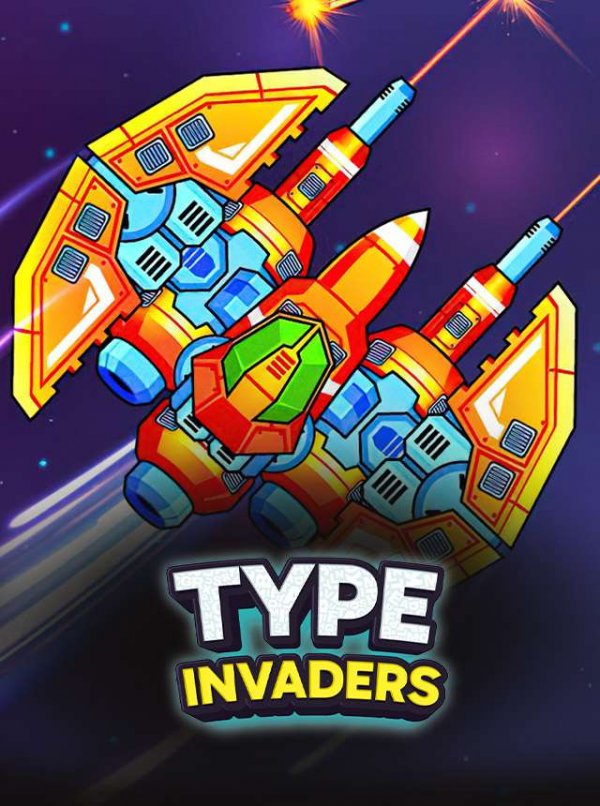
Word Combat in Space
Typing Space Arcade sets keyboard drills against a space backdrop. Enemy ships appear at different positions on the screen, and each one carries a word. Typing that word exactly as shown sends a signal that overcomes the ship. The core loop is simple to understand but demands steady focus: read, type, clear, repeat. Because enemies appear in different spots, you also have to decide which word to tackle first, adding a light layer of prioritization to what would otherwise be pure reflex typing.
Speed, Accuracy, and Word Flow
Words change regularly, so the game rarely settles into a predictable pattern. That rotation keeps the exercise from becoming a memorized sequence and forces you to read each new word rather than rely on muscle memory. Accuracy matters as much as speed; a mistyped word wastes time and can let other enemies linger. The result is a typing drill that feels closer to an arcade round than a classroom test, with the space setting providing visual context for why each word matters.
Energy, Boosts, and Target Priority
An energy and boost system gives you tools to handle tougher moments, though the input does not specify exactly how energy is earned or spent. What is clear is that boosts are a resource, which means using them at the right time is a decision rather than an automatic action. Combined with choosing which enemy to type first, this creates small strategic choices on top of the typing itself. Players who manage both well will clear rounds more consistently than those who only type fast.
Who This Is For
The game is designed for all ages and skill levels, and it runs in desktop and mobile browsers. Beginners can start typing immediately because the controls are limited to the keyboard, while regular players can chase better accuracy and faster round clears. The family-friendly presentation and educational framing make it a reasonable option for younger players practicing keyboard familiarity, though the input does not describe any structured lesson plan or difficulty tiers.






Comments
0 comments