
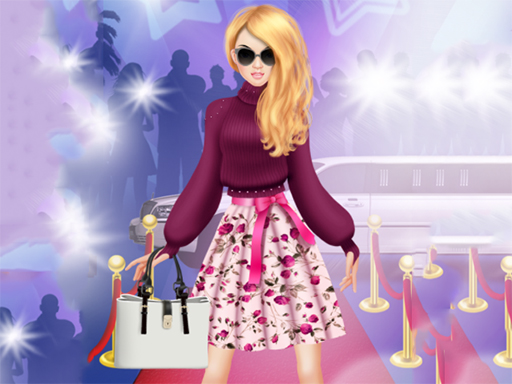
Building a Look Step by Step
Fashion Style Creator starts with a model choice, then moves straight into the wardrobe. You browse tops, bottoms, dresses, shoes, and accessories, tapping any item to see it appear on the model immediately. That instant feedback matters because it lets you judge a piece in context rather than guessing from a thumbnail. Hairstyles and jewelry sit alongside the clothing options, so the final look is assembled in one place instead of across separate menus.
Mixing Colors, Patterns, and Occasions
The core decision is not just what to wear but how pieces work together. The game encourages matching colors and patterns, and it frames the goal around a specific occasion such as a red-carpet event. That context gives each outfit a purpose: an elegant gown and a streetwear combination are both valid, but they suit different briefs. Because the wardrobe is broad, the interesting choices come from combining items rather than unlocking them.
Controls and Saving Your Work
Everything runs on touch input. Selecting an item applies it, and changing a hairstyle or adding jewelry works the same way. When an outfit feels finished, you can save it or share it with friends. Saving also has a practical use: it lets you compare earlier looks against new ones and refine your style over time. The simplicity of the controls means the game is approachable for players of any age.
Who It Suits
This is a low-pressure creative game rather than a scored challenge. There are no wrong choices in fashion, as the game itself frames it, so progress comes from experimenting with combinations. Players who enjoy styling, color coordination, and assembling complete looks will get the most from it. Those looking for competition or objectives beyond outfit creation should note that the appeal here is open-ended dress-up.







Comments
0 comments