
Sorting Rings, One Move at a Time
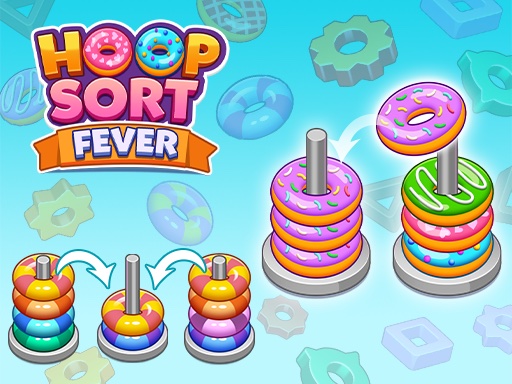
Hoop Sort Quest places colored rings on vertical poles, and the goal is straightforward: every pole should end up with rings of only one color. You tap or drag a ring to move it to another pole, but a ring can only land on a matching color or an empty pole. That single restriction is what turns a simple setup into a chain of small decisions. Early levels use few poles and colors, so the pattern is easy to read. Later setups add more poles and colors, which increases the number of possible moves without making the rules themselves harder.
Why the Difficulty Curve Feels Gentle
The game avoids sudden spikes. New poles and colors appear gradually, so each level introduces one more thing to track rather than a wall of new information. That pacing keeps the puzzle mentally active without becoming frustrating. If a layout stops making sense, you can undo your last move or add an extra pole for more sorting room. Levels that still feel too hard can be skipped entirely. The game never punishes slow play or repeated attempts, which is why it suits both short breaks and longer sessions.
Controls and Feedback
Interaction is limited to tapping or dragging a ring onto a valid pole. The interface stays clean, and the controls respond immediately, so the focus remains on the arrangement rather than the input. Bright, distinct colors make it easy to tell rings apart at a glance, and smooth animations mark each completed level. Because the visual language is consistent, you can read a new layout quickly even when more colors are added.
Who It Suits
Anyone who enjoys logic puzzles, pattern recognition, or low-pressure arcade games will find the loop familiar. Children and older players can both follow the rule set, and the undo, skip, and extra-pole options lower the cost of a wrong move. It is not a timed game, and there is no penalty for experimenting. That makes it a reasonable choice for unwinding or for keeping the mind sharp during a short break.








Comments
0 comments